Gablekin guide
Running your HOA on Gablekin: a quick tour
A quick tour of Gablekin: setup, dues, maintenance, documents, violations, home changes, finances, votes and Porch, all in one place.
The challenge
- Independent boards: running the community is a second job, spread across inboxes, spreadsheets and a shared drive.
- HOA management companies: many communities, each with its own rules, people and tools.
- Association leaders: responsible for decisions without a clear view of the money, requests and votes.
- Residents: don't know where the rules are, who to ask, or what happened to their request.
How Gablekin helps
- Guided setup. Import homes, owners and balances from Excel or CSV, upload your documents, and go live when a checklist says you're ready.
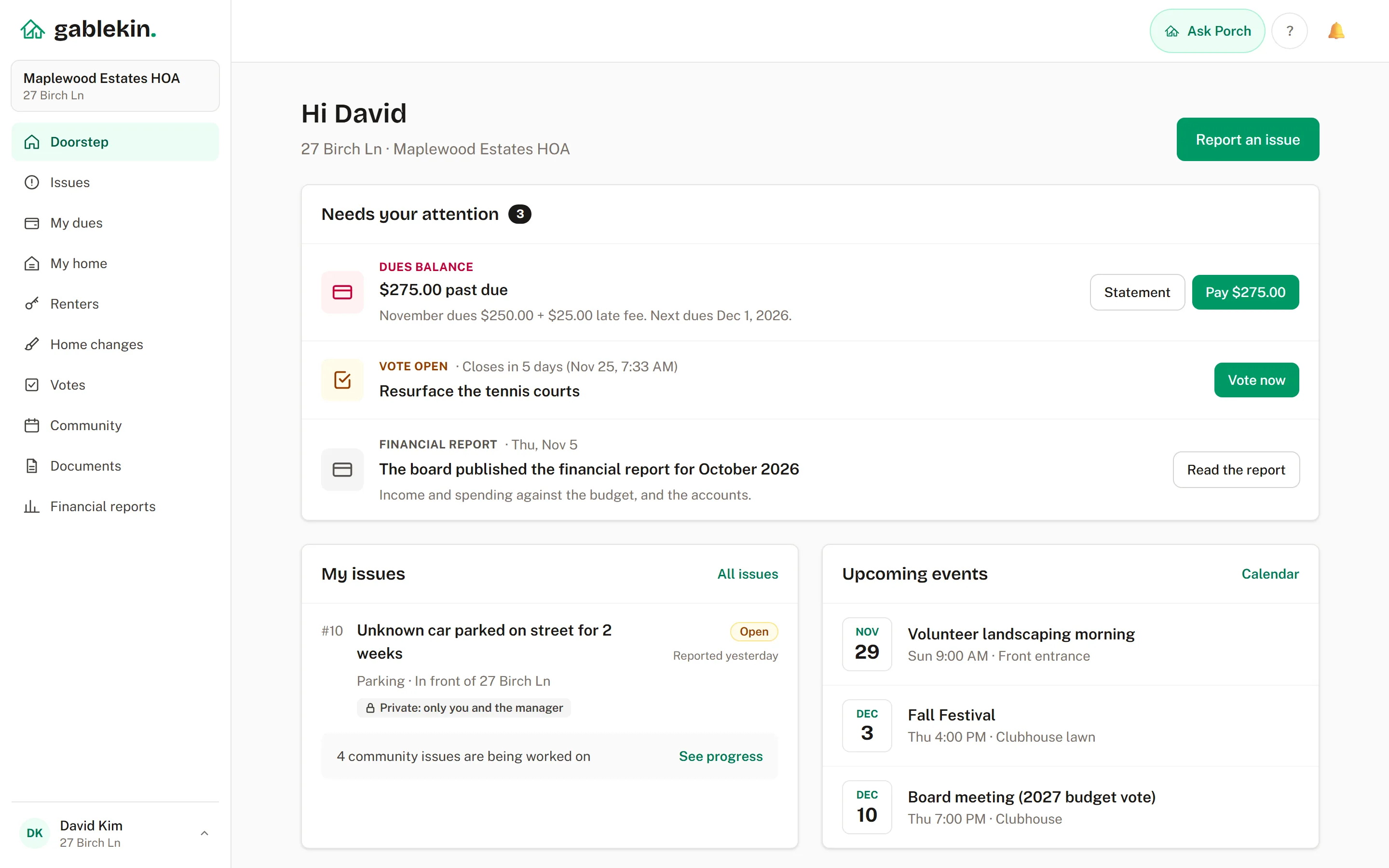
- One place for the work. Dues, maintenance requests, documents, announcements and events, all together.
- The board's tools. Violations with drafted notices, architectural review with committee votes, bills, budget and monthly reports, and votes with one ballot per home.
- The right view for everyone. Owners, residents, the board, the treasurer, committees and managers each see what their role allows.
- Porch on every page. Answers from your own documents, with citations, and never acts without a person confirming.
- A record of every change, and your data can be exported at any time.
Key takeaways
- Independent boards: one place for everything, and the history stays when the board changes.
- HOA management companies: one login for every community, each with its own data.
- Association leaders: a clear view of the money, the requests and the votes, with people always in charge.
- Residents: answers, requests, dues and votes, all in one place.
Next steps
See pricing, or book a demo and we'll tour Gablekin with your board.