Gablekin guide
The HOA resident portal: what residents see in Gablekin
A tour of Gablekin's HOA resident portal: Doorstep, dues, requests, amenities, documents, votes, My home and Porch, for owners, residents and renters.
The challenge
- Independent boards: want residents to help themselves, instead of calling a board member at home.
- HOA management companies: need one simple portal residents use the same way in every community.
- Association leaders: want owners to see the board's work, not just a bill once a month.
- Residents: owners, family and renters want one place for everything about where they live, on their phone.
How Gablekin helps
- Doorstep, which starts with what needs you: anything owed, open requests, a vote waiting, pinned announcements and upcoming events.
- Dues, for owners: the balance, every invoice, pay by bank, card or autopay, and a receipt every time.
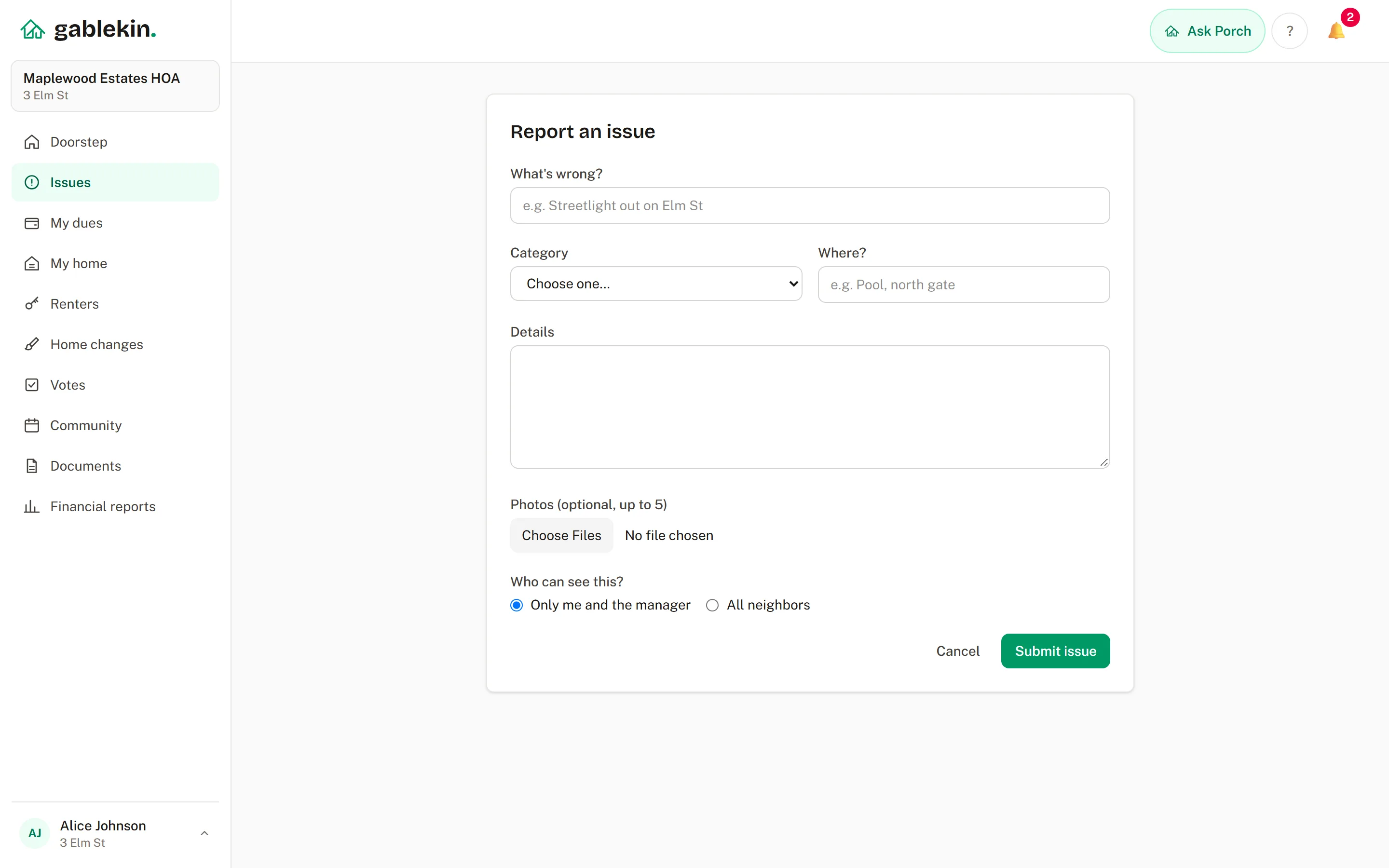
- Requests, amenities, documents and the community: report a problem with photos, see when the clubhouse or pool pavilion is free and book it for the home (any fee or deposit shown first), search the rules in your own words, and see announcements, events and published financial reports.
- Votes and surveys: owners cast their home's ballot; owners and residents answer surveys.
- My home, for owners: a private record of the home's appliances, repairs and documents, with reminders and warranty alerts. See Your home's record.
- Notifications your way: in the app, by email, by push on your phone or computer, or a weekly summary. Add Gablekin to your phone's home screen and it opens like an app, with nothing to download from an app store.
- Porch on every page, answering from your community's documents and your own account.
Each person sees only what their role allows: an owner sees their dues and votes; a renter, added by the owner, sees the community, its rules and notices about the home, never the owner's dues, votes or records. See Knowing who lives in rented homes.
Key takeaways
- Independent boards: residents help themselves, from one invitation email.
- HOA management companies: the same portal in every community, and one login across them.
- Association leaders: owners see announcements, votes and published reports.
- Residents: everything in one place, on any phone or computer, with nothing to install.
Next steps
See pricing, or book a demo to see what your residents would see.